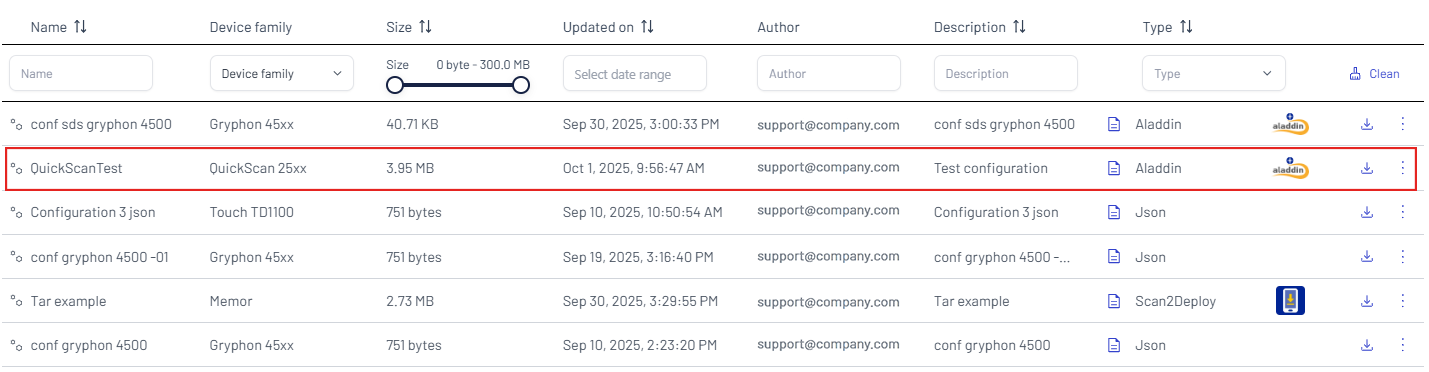
Upload a new configuration
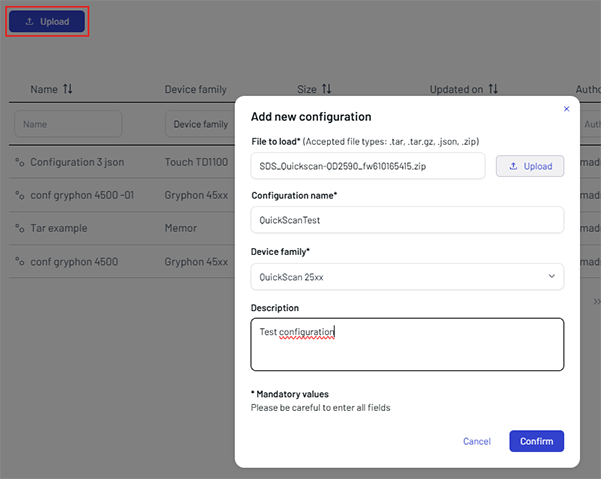
Click the Upload button to add a new configuration.
Upload the configuration file, add a name for the configuration and select a device family, then click Confirm. Description is optional.
tip
To create an SDS package that can be used as a configuration file, see the SDS Package Generation guide.
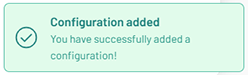
The following confirmation popup will be displayed in the bottom-right corner of the screen:
The new configuration is added to the Configurations table.