Device List
The Device Visibility provides a comprehensive view of your connected devices. The currently supported device types are:
- Datalogic Handheld Scanners (for more information, see Supported devices)
- Edge devices
From the Device Visibility home page, you can have an overview of all the devices registered to the platform, filter them by family, and manage their visibility.
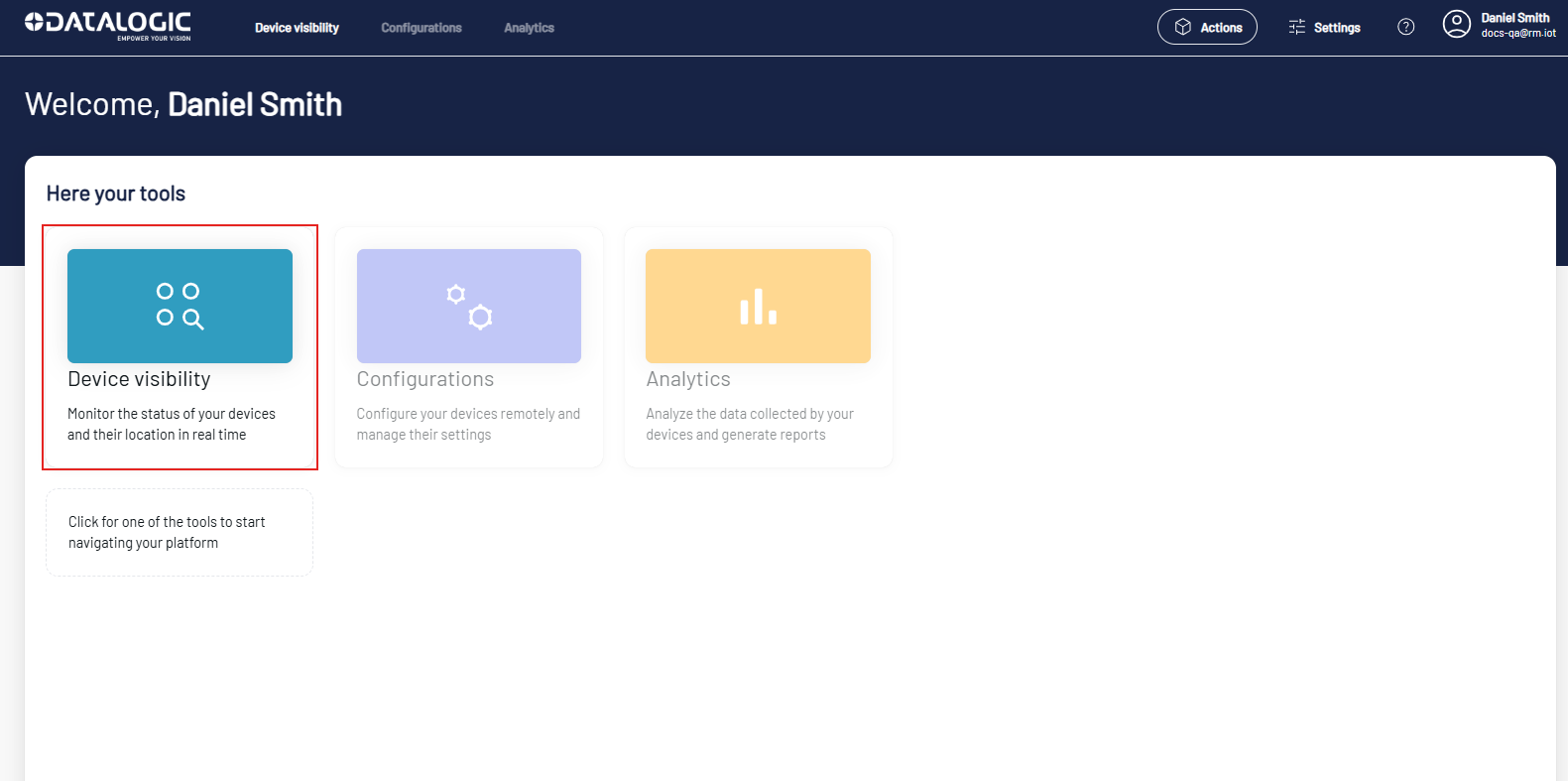
Click the Device Visibility button to open the Device List page.
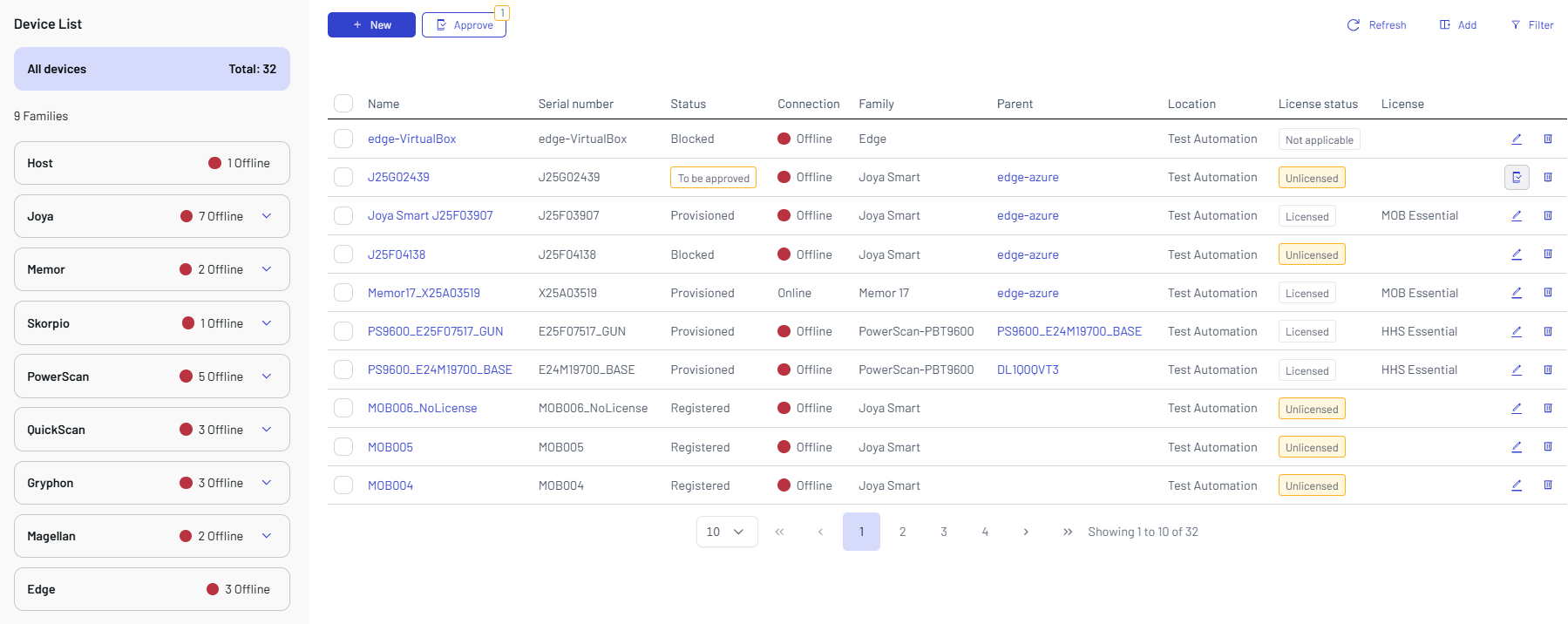
The Device List shows all the devices registered to the platform, and allows to add/remove devices.
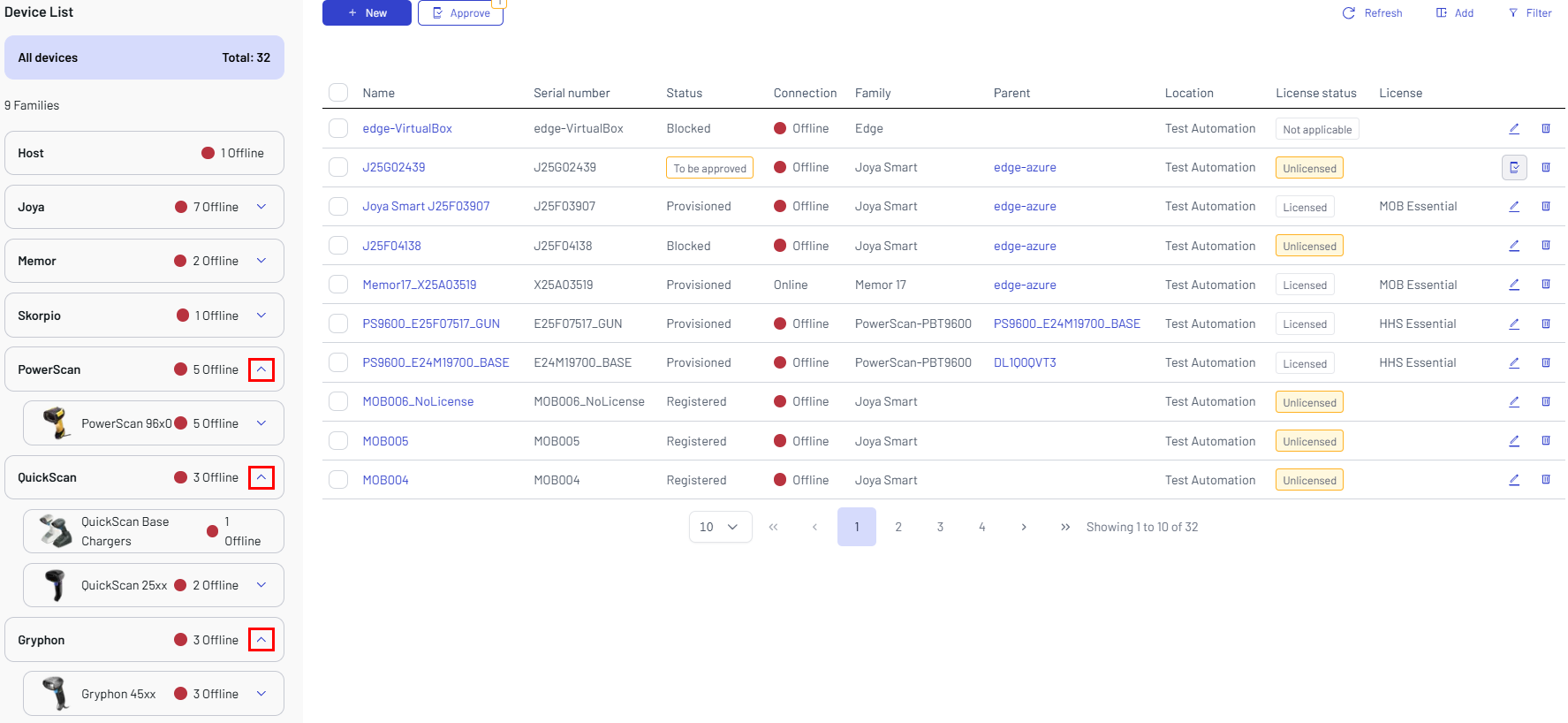
The first list on the left shows the devices arranged by product families. Click the arrow to expand a family group and display sub-families.
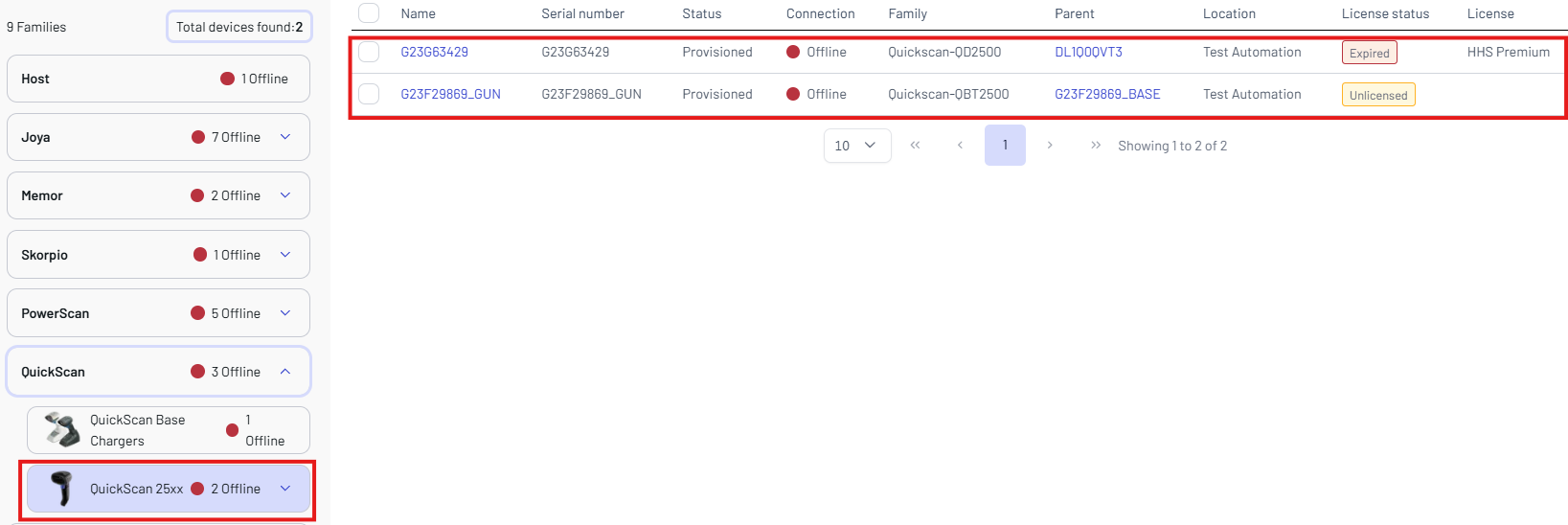
Click a sub-family to filter the related devices in the device visibility table.
To filter devices by location, click the Location filter button. Use the search bar to find specific locations.
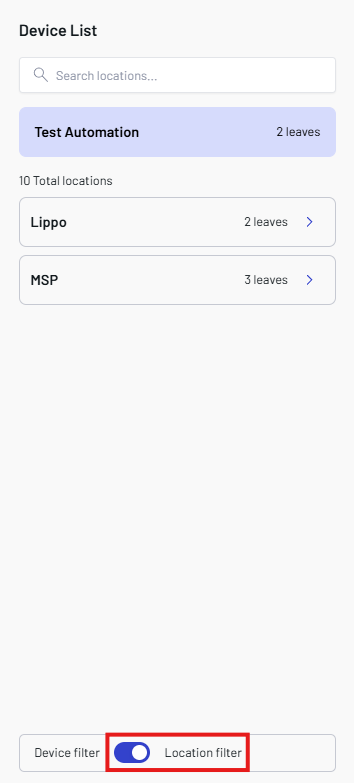
Expand a Locations to view its individual leaves.

The device visibility table shows the following information for each individual device:
-
Name - the name assigned to the device.
-
Serial Number - the device serial number.
-
Status - the device status. The available values are:
- To be approved - the device has been added to the platform aqd is waiting for approval.
- Registered - the device is registered and enabled to receive messages.
- Blocked - the device is blocked and unable to function.
- Provisioned - install and run the Aladdin SDS to allow the registered device to send messages and to change the connection to online and the status to Provisioned.
-
Connection - the device connection status (online/offline).
-
Family - the device sub-family
-
Parent - the uplink device that it is connected to.
-
Location - the location you assigned to the device.
-
License status - the device's associated license status. The available values are:
- Licensed
- Unlicensed
- Expired
- Not applicable
-
License - the device's associated license type. Refer to Licenses. for more details.
Click the dustbin icon on the right to remove the selected device.