Edge Devices
Click the Commands button to send a command to the device.
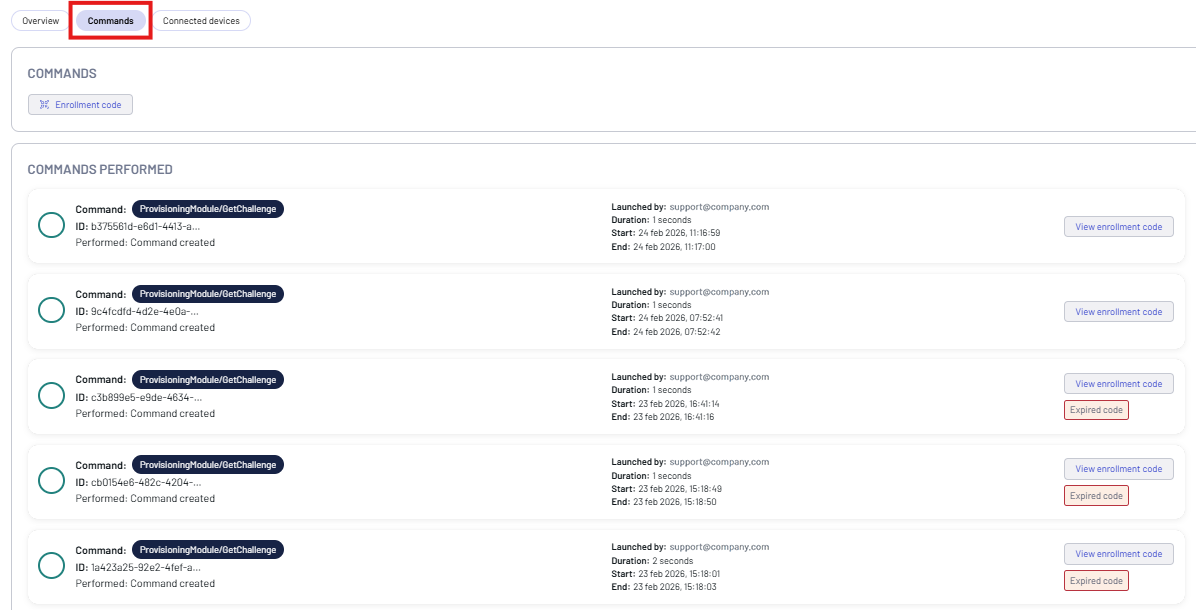
You can send the following command to an edge device:
- Enrollment code - creates a unique token used to connect an edge device via MQTTS.
Click Enrollment code, then click confirm.
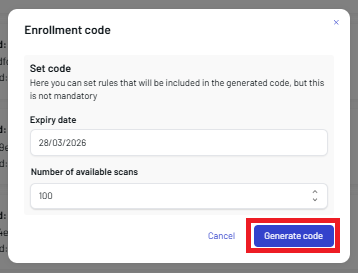
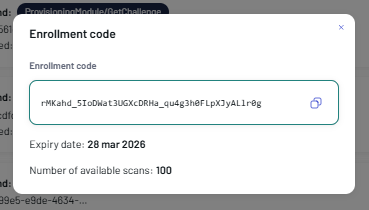
Enter the expiration date and the number of available scans, then click Generate code. The enrollment code is created and displayed on screen. Click the copy to clipboard icon to copy it and use it to configure a Mobile Device via Scan2Deploy.
note
Leave the Expiry date and Number of available scans fields blank if you do not want the enrollment code to expire.
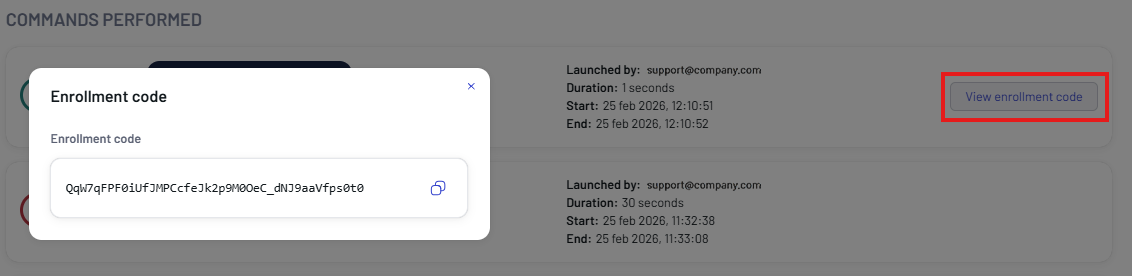
The result is shown in the COMMANDS PERFORMED box. Click the View enrollment code button to display the code again.