Host Devices
Host Device Commands
Click the Commands button to send a command to the device.
You can send the following commands to a host device:
- Reboot - performs a reboot.
- Get Logs - displays the device logs.
- Get configuration - retrieves and displays the active configuration settings.
Click the related button to send a command, then click confirm.
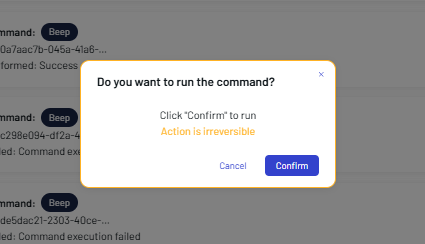
The result is shown in the COMMANDS PERFORMED box.

Get Logs
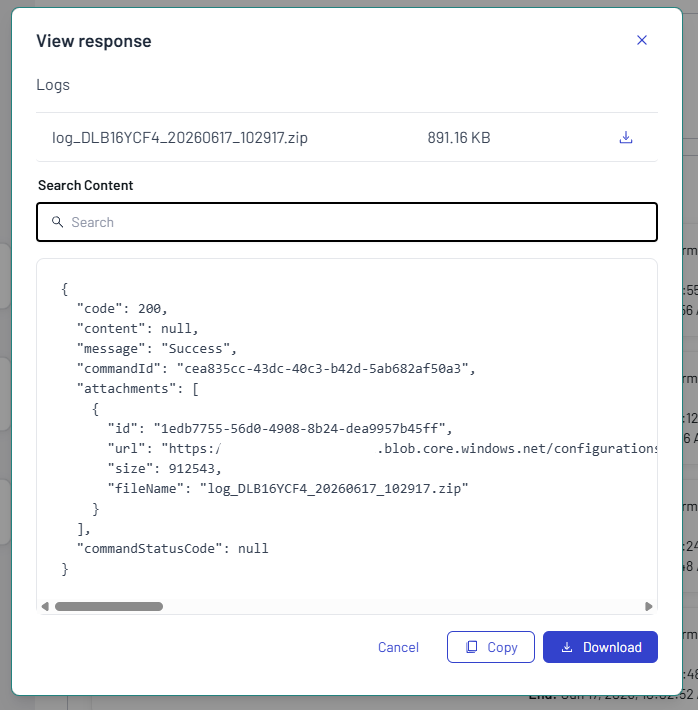
The Get Logs button allows to retrieve the device logs from the AladdinSDS service. Once the command is executed, click the View response button in the COMMANDS PERFORMED box to display the command result. The logs can be downloaded in .zip format.
Get Configuration
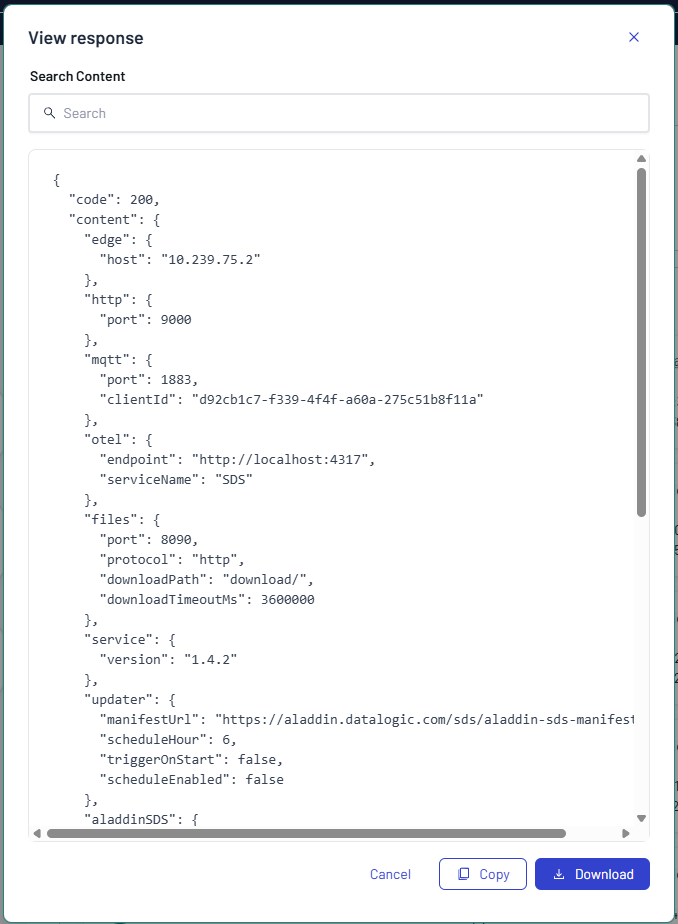
Click the Get configuration button to retrieve the configuration applied on the AladdinSDS service.
Refer to Aladdin SDS documentation for more details.