Fixed Retail Scanners
Fixed Retail Scanner Commands
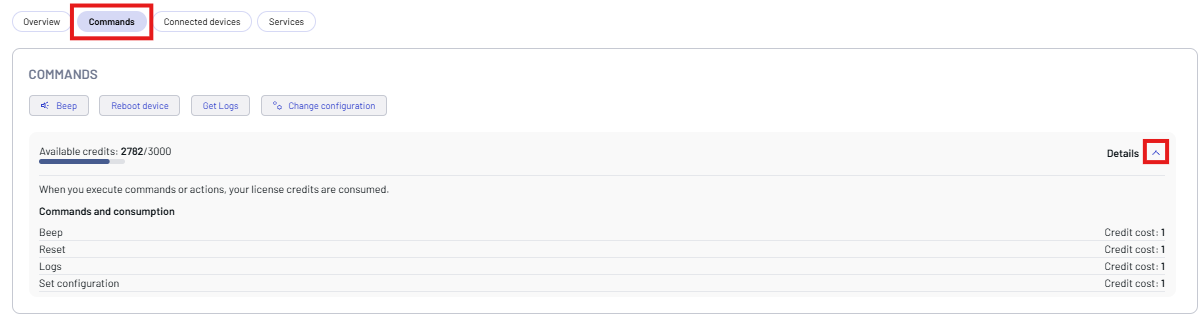
Click the Commands button to send a command to the device.
You can send the following commands to a Fixed Retail Scanner:
- Beep - makes the device beep.
- Reboot device - performs a reboot.
- Get Logs - displays the device logs.
- Change configuration - install configuration changes.
You can also monitor your available license credits. Click Details to display the cost of each command.
Click the related button to send a command, then click confirm.
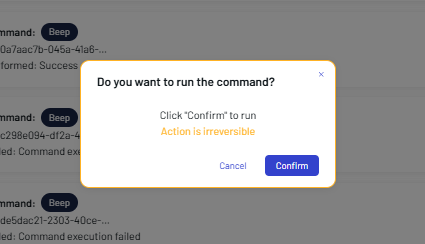
The result is shown in the COMMANDS PERFORMED box.

Get Logs
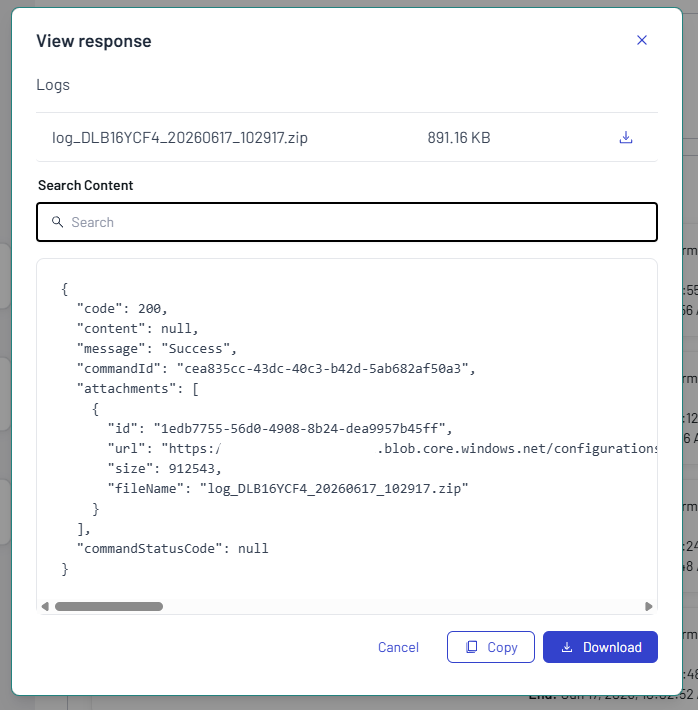
The Get Logs button allows to retrieve the device logs from the Fixed Retail Scanner. Once the command is executed, click the View response button in the COMMANDS PERFORMED box to display the command result. The logs can be downloaded in .zip format.
Change Configuration
This feature is supported only on Datalogic Fixed Retail Scanners with a Professional license.
Click the Change configuration button to install configuration changes.
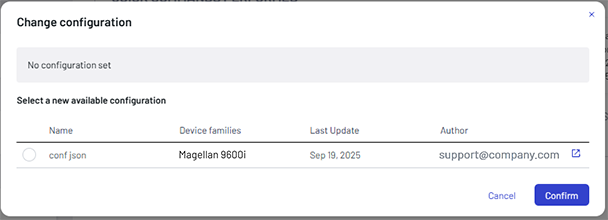
Click the external link icon on the right to display the configuration details.

Select a configuration, then click Confirm.